How it works

From brief to published site in six steps

Start with one prompt. Your AI assistant takes the brief, reads your Figma, brings in your data and builds the site on Blutui, then your client edits it and it goes live on their domain.

No credit card required

01.

Three things to start

A Figma file and a spreadsheet of content make the first build closer to finished. Neither is required.

A Blutui account

Development projects are free and password protected. You pay for a project when it goes live.

Courier

Blutui’s command line. Install it once, then sign in with courier login.

An AI assistant

Claude Code, Cursor, VS Code, Codex or OpenCode. Courier connects it to Blutui for you.

Scaffold the project

Run courier create with your project’s handle. Courier downloads a Canvas, the starter your templates are built on.

Say yes to Blutui Context and it connects your AI assistant too: the Blutui MCP server, and the Skills that teach it how Blutui works.
Brief your assistant

Open the project in your assistant and run the getting started skill. It asks what you are building and who for, the pages it needs, the brand and the content your client will manage.

The answers become the project brief, and every step after this one works from it.

Link your designs

Paste a link to a Figma frame. With Figma’s MCP server connected beside Blutui’s, your assistant reads the layout, colours, type and images.

Each section of the design becomes a Canopy block, so everything you hand over stays editable.

Bring in your data

Drop in a CSV of products, people, locations or posts. Your assistant works out the fields, creates a Collection on Blutui and adds each row as an entry.

From then on your client edits them in the dashboard, not in a spreadsheet.

Build and review

Your assistant writes the templates and blocks, and creates the pages, forms and SEO details through the Blutui MCP server. It asks before every change it makes to the project.

Run courier dev to watch it build, then open any page in Canopy in-page editor, where your client will edit it.

Preview, then go live

courier push uploads the site to a Cassette, a version of the project with its own preview link to share with your client.

When they sign it off, make it the active Cassette and connect their domain. SSL, the CDN and image optimisation come with it.

02. Built this way

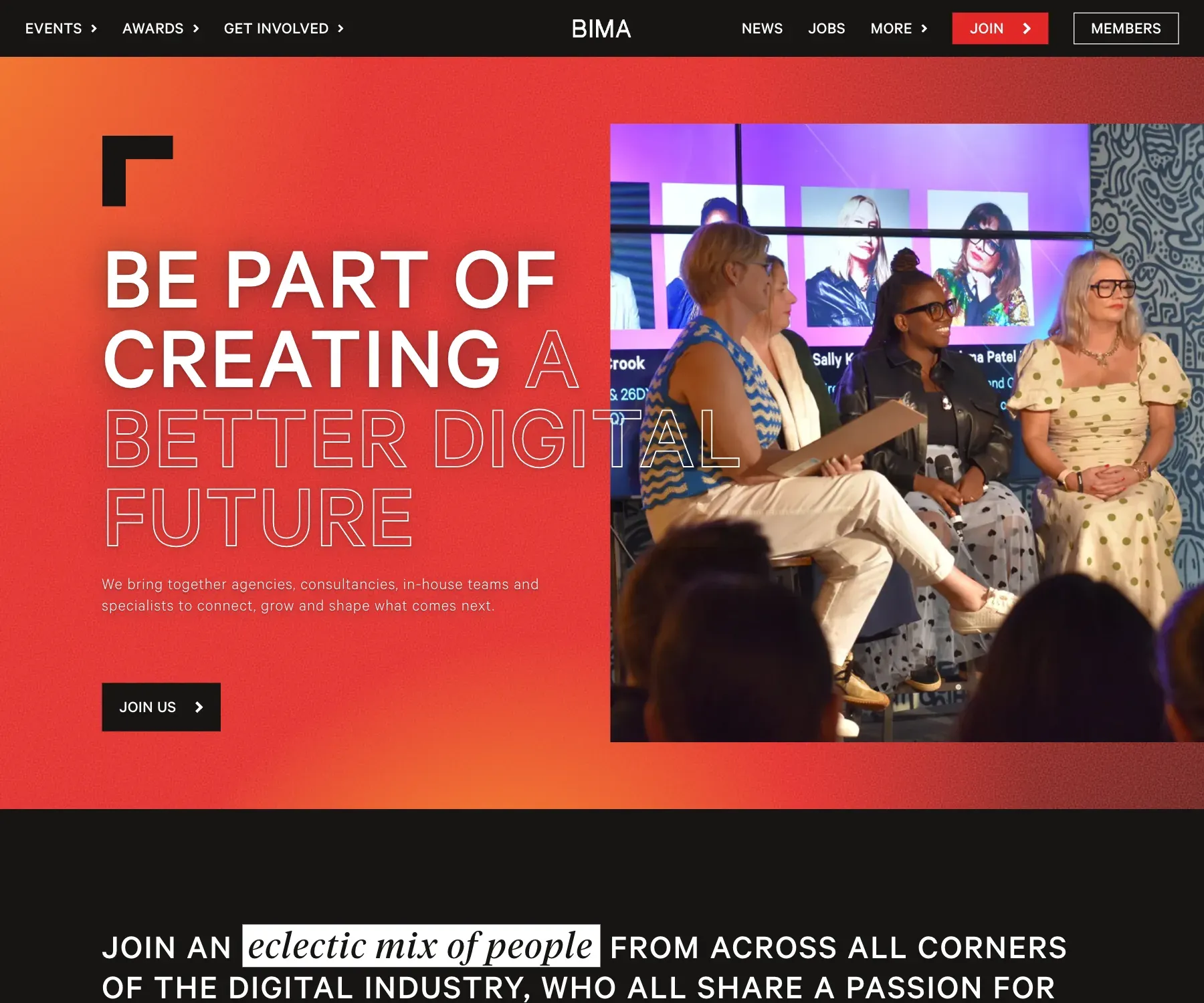
The BIMA website

Case study · Subvert Studio for BIMA

How Subvert Studio built BIMA’s website on Blutui

Interviews with new members gave the brief. Blutui Context took on the routine development, and the time it saved went into the design.

03.

A site you or your client can manage

The six steps build a full project, not a folder of code. You or your client work in the same editor and dashboard you built.

Pages you can edit

Every section is a Canopy block. They change copy and images on the page itself, and add or reorder sections from the blocks you allow.

See Canopy

Content in one place

Products, people and posts live in Collections, with forms and their submissions beside them in the dashboard.

See Collections

Hosting that is already done

Hosting, SSL, the CDN and image optimisation are part of the platform. There is nothing to install, update or patch.

See delivery

04.

What agencies ask before they try it

Do I have to use Claude?

No. Blutui Context works with Claude Code, Cursor, VS Code, Codex and OpenCode, and you can build by hand with Courier and Canvas if you prefer.

What if there is no Figma file?

Skip step three. Your assistant builds from the brief, and you refine the design in the templates or in Canopy.

Can my assistant change the live site?

It asks before each change it makes through the MCP server, and code you push goes to a Cassette you can preview before it is made active.

What does it cost?

Development projects are free. A project is billed monthly once it is published.

See pricing

Dream it.
Design it.
Build it.